They solve different problems. SSH is a secure pipe; Mosh is a session that survives your network. Here's how each works, what Mosh gives up, and how to run both together.
TL;DR: Use SSH for scripts, file transfer, and port forwarding. Use Mosh for interactive sessions from a laptop or phone — it survives network switches, sleep, and packet loss that would freeze SSH. Mosh isn't a replacement: it authenticates through SSH, then hands the session to a UDP protocol built for flaky links. Pair it with tmux and the session also survives reboots of your client. On mobile, Mosh is the difference between a terminal that works and one that doesn't.
If you've ever run a long command over SSH from a laptop, closed the lid, and come back to a frozen terminal, you already know the problem Mosh exists to solve. SSH assumes a stable TCP connection between two machines that stay put. The moment your IP address changes — Wi-Fi to cellular, office to home, laptop asleep for an hour — that TCP connection is dead, and your session with it.
Mosh (the "mobile shell", from MIT) keeps the session alive through all of it. But it works so differently from SSH that the trade-offs surprise people. This article lays out how each protocol actually moves your keystrokes, what you gain, what you give up, and the setup that gets you the best of both.
How SSH moves data
SSH is a pipe. Your client opens a TCP connection to port 22, both sides authenticate and encrypt, and from then on the server streams raw bytes to your terminal. Every character you see scrolled past your screen was shipped to your client and stored in its scrollback buffer.
That model has real strengths:
- Everything is a byte stream, so SSH can carry anything: interactive shells,
scp/sftpfile transfers, port forwards, X11,gitremotes,rsync. - The server needs nothing unusual — an SSH daemon is already on virtually every Unix machine.
- One TCP connection is easy to reason about, firewall, and audit.
The weakness is the same TCP connection. TCP identifies a connection by source IP, source port, destination IP, destination port. Change any of them — which is exactly what happens when your phone hops from Wi-Fi to 5G — and the connection is unrecoverable. High latency makes it worse: every keystroke does a round trip before it echoes, so typing over a laggy link feels like typing through molasses.
How Mosh moves data
Mosh flips the model. Instead of streaming bytes, it synchronizes screen state.
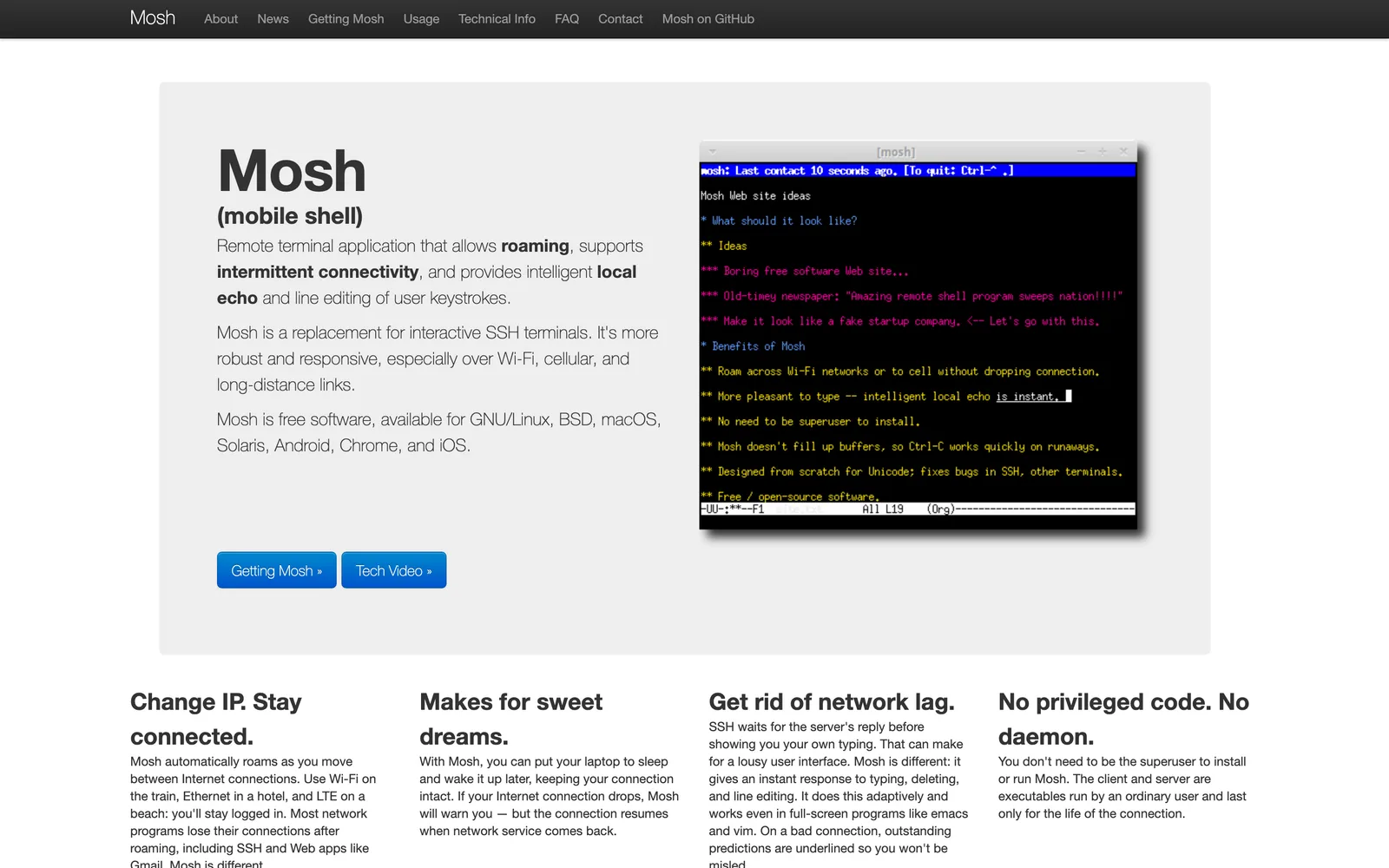
When you run mosh user@host, Mosh first connects over plain SSH to authenticate and start a mosh-server process. The server picks a UDP port (60000–61000 by default), generates a one-time encryption key, and hands both back through the SSH connection — which then closes. From that point on, client and server talk over UDP using SSP (State Synchronization Protocol), and each side's job is to keep the other's view of the terminal screen up to date.
That design produces Mosh's headline behaviors:
- Roaming is free. The session isn't tied to your IP address — it's tied to the encryption key. Switch networks, and the next UDP datagram from your new address just works. No reconnect, no re-auth.
- Sleep doesn't kill anything. If your client disappears for an hour, the server keeps the session; when you return, Mosh syncs the current screen instead of replaying an hour of output.
- Typing feels instant. Mosh predicts the echo for normal typing and shows it immediately, underlined until the server confirms. On a high-latency link this is transformative. The Mosh research paper measured a median keystroke response of 0.33 seconds on a link with 29% packet loss, versus 16.8 seconds for SSH.
- Only the latest state matters. Because SSP syncs state rather than a stream, Mosh never falls behind a firehose of output — it skips ahead to what the screen looks like now.
What you give up with Mosh
Mosh is an interactive-shell protocol, not a general transport. The things SSH's byte stream carries are exactly the things Mosh doesn't do:
- No scrollback. The most common surprise. Because Mosh syncs current screen state, output that scrolls off is gone — you can't scroll up. The fix is a multiplexer holding the buffer on the server; see Fix Mosh Scrollback.
- No port forwarding, no agent forwarding, no X11. Mosh carries a terminal and nothing else. If you need a tunnel, open a plain SSH connection alongside.
- No file transfer.
scpandsftpare SSH features. (In practice you run both protocols against the same host.) - It needs UDP. Corporate firewalls and some public networks block UDP 60000–61000, and Mosh silently falls back to failing. Fix Mosh Connection Failed walks through every variant of this, and Eternal Terminal or Moshi's ET support covers the same persistent-session behavior over TCP when UDP is a non-starter.
- It needs
mosh-serveron the host and a UTF-8 locale. Trivial to install (brew install mosh,apt install mosh), but it's one more thing — and if the server binary isn't on the non-interactive shell's PATH, Mosh can silently fall back to SSH.
Side by side
| SSH | Mosh | |
|---|---|---|
| Transport | TCP, port 22 | UDP 60000–61000 (auth via SSH) |
| Survives IP change / roaming | No | Yes |
| Survives client sleep | No (connection drops) | Yes |
| Typing on high latency | Round-trip per keystroke | Predictive local echo |
| Scrollback | Client buffer | None — use tmux (fix) |
| Port / agent / X11 forwarding | Yes | No |
| File transfer | scp, sftp, rsync | No — use SSH |
| Server requirements | sshd (ubiquitous) | mosh-server + UTF-8 locale |
| Firewall friendliness | TCP 22, universally allowed | UDP range, sometimes blocked |
When SSH is the right tool
Don't uninstall SSH — Mosh literally depends on it. SSH remains the right choice when:
- You're scripting. CI jobs,
rsyncbackups,git push, anything non-interactive. - You need a tunnel. Forwarding a database port, a dev server, or a SOCKS proxy.
- You're on a stable, low-latency network. At a desk on Ethernet to a server in the same building, SSH's downsides barely exist.
- UDP is blocked and you can't use an alternative like Eternal Terminal.
When Mosh wins
- Any session from a phone or tablet. Mobile networks change constantly; an SSH session from a phone dies the first time the screen locks. This is the core reason terminal apps like Moshi and Blink Shell implement Mosh natively.
- Laptop sessions you close the lid on. Come back, everything's live.
- High-latency or lossy links. Hotel Wi-Fi, tethering, trains, satellite.
- Long-running interactive work — especially watching an AI coding agent produce output for twenty minutes while you move around.
The setup that gets you both: Mosh + tmux (+ SSH on the side)
Mosh keeps the connection alive; tmux keeps the session alive. They solve different halves of the problem:
- Mosh survives network changes and sleep — but if the client machine reboots or the app is killed, the Mosh session ends.
- tmux runs on the server, so your shells, processes, and scrollback survive anything that happens to the client — and give Mosh the scrollback buffer it lacks.
# On the server:
brew install mosh tmux        # macOS
sudo apt install mosh tmux    # Ubuntu/Debian

# ~/.tmux.conf — the two lines that matter:
set -g mouse on
set -g history-limit 50000

# Connect and attach in one step:
mosh user@host -- tmux new -A -s work
Need a port forward while you work? Open a plain SSH connection next to the Mosh session:
ssh -N -L 5432:localhost:5432 user@host
That's the whole trick: Mosh for the interactive session, SSH for everything else, tmux underneath so nothing is ever lost.
A note on Tailscale
Tailscale fixes a different layer than Mosh: it gives your devices stable addresses that work from anywhere, so you don't expose SSH or Mosh to the public internet. It does not make TCP survive an IP change on the client — your phone hopping networks still breaks a plain SSH session even inside a tailnet. Mosh over Tailscale is the robust combination; just be aware that Tailscale SSH intercepts port 22 in a way that breaks Mosh's startup handshake — the fix is in Fix Mosh Connection Failed, and the full setup in Moshi's Tailscale guide.
Mosh on mobile, where it matters most
Everything above is amplified on a phone. iOS and Android suspend backgrounded apps and hop between radios constantly — the environment SSH tolerates worst and Mosh was designed for. That's why the serious mobile terminals implement Mosh rather than wrapping SSH:
- Moshi implements Mosh natively (no subprocess) on iOS and Android, holds no background socket at all — battery-friendly — and catches the session up the instant you return. On networks that block UDP, it speaks ET (Eternal Terminal) for the same durability over TCP.
- Blink Shell has shipped a solid Mosh on iOS for a decade.
- Termius added Mosh support via its own library, on top of its SSH-first client.
If the session you're keeping alive is an AI coding agent, the stakes are higher — a dropped connection means a stalled turn waiting for an approval you never saw. The iOS terminal roundup compares the field for exactly that workflow.
FAQ
Is Mosh a replacement for SSH?
No — it's a layer for interactive sessions that authenticates through SSH and depends on it. You'll keep using SSH for file transfer, tunnels, and scripts even if every interactive session you open is Mosh.
Is Mosh secure?
Mosh uses SSH itself for authentication and key exchange, then encrypts every UDP datagram with AES-128 in OCB3 mode using a key that never leaves that session. There are no long-lived keys to steal and no unauthenticated packets accepted. Its attack surface is smaller than sshd's, though its codebase has had less audit attention — running it inside a tailnet closes that gap for the cautious.
Why can't I scroll up in Mosh?
Because Mosh syncs the current screen rather than streaming output, there's no client-side buffer to scroll. Run tmux on the server with set -g mouse on and you get scrollback, search, and persistence in one move — the details are in Fix Mosh Scrollback.
Mosh says 'Nothing received from server on UDP port 60001'. What's wrong?
The UDP port range is blocked somewhere between you and the server — a firewall, a NAT, or a cloud security group. Open UDP 60000–61000 on the server, or restrict Mosh to specific ports with mosh -p 60000. Every variant of this failure is covered in Fix Mosh Connection Failed.
Does Mosh use more battery on a phone?
Less, in practice. Mosh sends nothing when nothing changes, tolerates the OS suspending the app entirely, and needs no keep-alive pings — where SSH clients must hold a socket open and ping to survive. Moshi leans into this by keeping no background connection at all and letting Mosh catch up on return.
What about Eternal Terminal?
Eternal Terminal (ET) gives you Mosh-style session survival over TCP instead of UDP — handy on networks that block Mosh's port range. It doesn't do predictive echo, so typing on a laggy link feels more like SSH. Moshi supports both, so you can pick per host.
Related Articles
- Fix Mosh Connection Failed — UDP ports, Tailscale SSH, locale, and every other startup failure
- Fix Mosh Scrollback — why you can't scroll up, and the tmux fix
- Fix Mosh Falling Back to SSH on macOS — the Homebrew PATH pitfall
- Complete Remote Coding Setup — Tailscale + Mosh + tmux, end to end
- Best iOS Terminal App for AI Coding Agents — the mobile clients compared
- Terminal sessions — how Moshi uses Mosh and ET
- tmux — Moshi's durable workspace pattern
Resources
- mosh — Mobile Shell — official site and FAQ
- Mosh: An Interactive Remote Shell for Mobile Clients — the USENIX paper
- Eternal Terminal — persistent sessions over TCP
- Moshi — Mobile Terminal for Developers