Moshi vs. ADEs: A Layer, Not a Lock-In
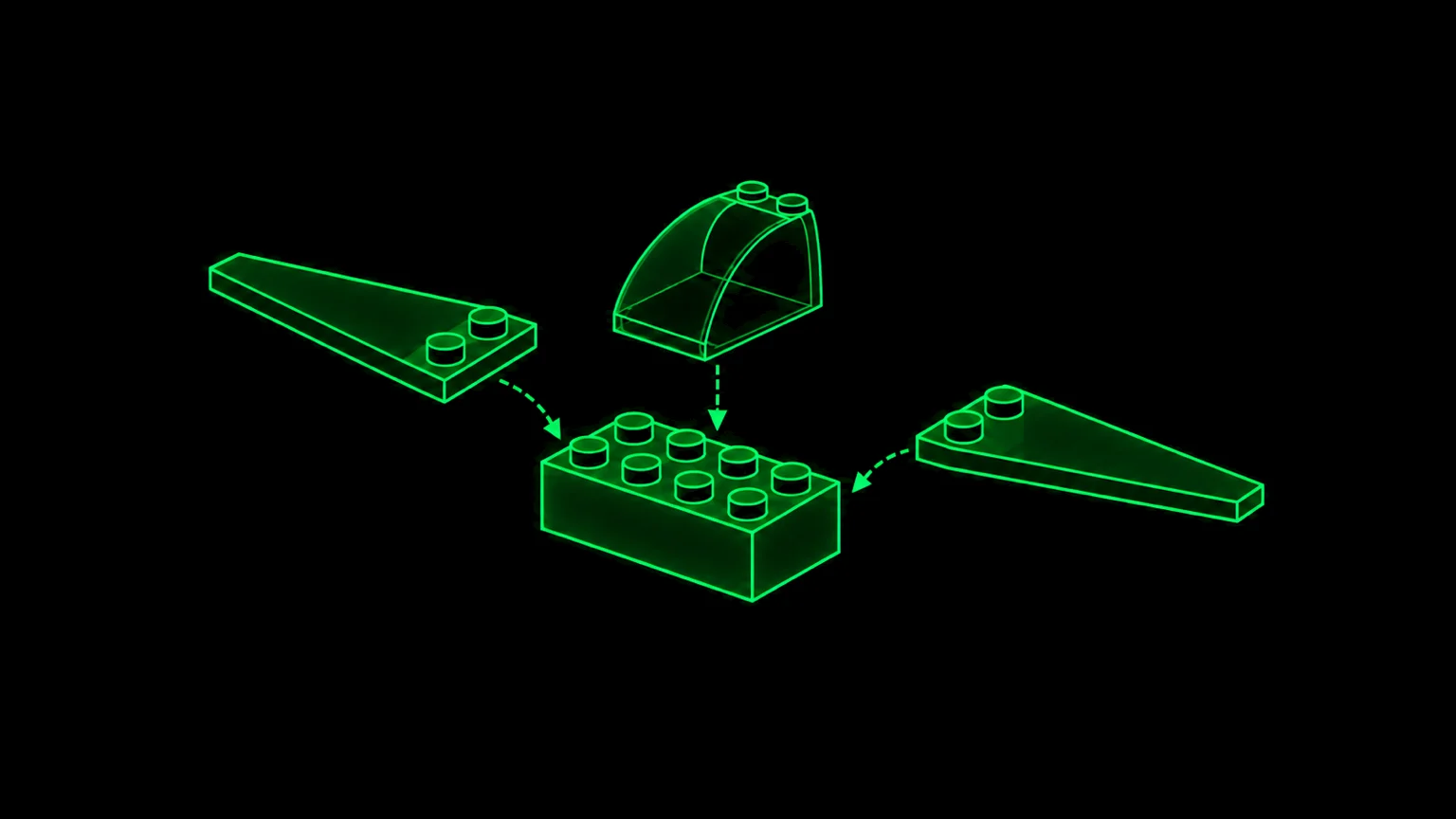
T3 Code, Orca, Paseo, the Codex app and Claude's desktop app are each a whole house. Moshi is a window you add to the house you already live in. Here's what that means for download size, portability, and your freedom to leave.
TL;DR: An ADE (agent development environment) owns the entire stack: its own daemon runs your agents, its own relay reaches your phone, and its own mobile app is the only way in. Moshi owns none of that. Your agents live in tmux or Herdr, reached over your own SSH, and Moshi adds a chat view, diffs, previews, approvals and push notifications on top. That's why Moshi Desktop is an 11 MB download while the ADEs run from 135 MB to 710 MB. It's also why you can uninstall Moshi tomorrow and every session will still be running.
A new category of app appeared in 2026: the ADE. T3 Code, Orca, Paseo, OpenAI's Codex app (now folded into ChatGPT for Mac) and the Code tab in Claude's desktop app all make roughly the same promise. You get one window for running coding agents in parallel, with worktrees, diffs and a terminal, and a phone app for checking in while you're away.
People keep asking how Moshi compares, and the honest answer is that it's a different kind of thing. Let's start with what Moshi isn't.
What Moshi is not
- Moshi is not an agent. It doesn't ship a model or a harness. You run Claude Code, Codex, OpenCode, Pi or whatever comes next, exactly as you would in any terminal.
- Moshi is not an IDE or an ADE. It doesn't index your repo, manage your projects or impose a workspace model. You don't open a project in Moshi; you connect to a machine.
- Moshi is not a session host. It never owns your agent processes. tmux or Herdr does, and those tools keep running whether or not Moshi exists.
- Moshi is not a relay. Terminals, transcripts, diffs and previews travel over your own SSH (or Mosh) connection, straight from your host to your screen. The one exception is the phone's inbox, pushes and usage snapshots, which pass through Moshi's server because Apple and Google only deliver push from a server.
- Moshi is not a cloud sandbox. Your code stays on machines you own.
What Moshi is: a user-experience layer on top of the multiplexer. It adds chat view, approvals, diffs, dev-server previews, Live Activities and Apple Watch actions to sessions that were already running.
Download size: 11 MB vs. up to 710 MB
We measured every macOS DMG on September 28, 2026, reading the byte counts straight from each vendor's download server or GitHub release.
| App | Version | macOS DMG | vs. Moshi Desktop |
|---|---|---|---|
| Moshi Desktop | 0.4.6 | 11.4 MB (arm64) · 12.1 MB (Intel) | 1× |
| T3 Code | 0.0.42 (alpha) | 135.3 MB (arm64) · 142.5 MB (x64) | ~12× |
| Paseo | 0.9.2 | 178.6 MB (arm64) · 188.3 MB (x64) | ~16× |
| Orca | 1.4.215 | 228.6 MB (arm64) · 236.9 MB (x64) | ~20× |
| Claude (desktop app) | 2.9939.2 | 374.4 MB (universal) | ~33× |
| ChatGPT / Codex app | 26.924 | 710.2 MB (arm64 only) | ~62× |
The DMG isn't the whole story either. Unpacked, Moshi Desktop takes about 24 MB. T3 Code installs to about 321 MB, Paseo to about 504 MB, Orca to about 585 MB, Claude to about 913 MB, and the ChatGPT/Codex bundle to about 1.59 GB.
The gap has a simple cause. Every ADE in this table is an Electron app, so every one ships its own copy of Chromium and Node, and several also bundle a server, a PTY daemon and agent tooling. Moshi Desktop is a Tauri app, so it uses the webview macOS already ships instead of bundling a browser. (On Linux and Windows it's the same UI served in your browser, with no install at all.) It also doesn't need a daemon of its own, because the heavy lifting already lives on your machine. tmux or Herdr holds the sessions, and moshi-hook exposes them as small web APIs. The desktop app is a thin client for those APIs.
A few hundred megabytes of disk isn't what matters most. What matters is that size is a proxy for how much of your workflow the app owns. A 700 MB bundle owns a lot of it.
Portability: the persistence layer is yours
Ask one question of every tool in this space: when the app quits, who is still holding my agent?
| App | Who holds the running agent |
|---|---|
| T3 Code | Its own t3 server process. Restarting it interrupts running agent turns and terminals. |
| Orca | Its own background PTY daemon. It survives Cmd-Q and crashes, but not a reboot. |
| Paseo | Its own daemon (a WebSocket server on port 6767), started by the desktop app. |
| Codex app | Codex threads inside the app, plus OpenAI cloud tasks. |
| Claude app | Local sessions in the app, plus Anthropic-hosted cloud sessions. |
| Moshi | tmux or Herdr, open-source multiplexers you control. |
Each ADE's persistence layer is proprietary to that ADE. The sessions live in its daemon, in its format, reachable only through its clients. Some of those daemons are open source, and that helps, but a T3 session still can't be attached from Orca, and an Orca session can't be attached from Paseo.
With Moshi, the persistence layer is something that existed before Moshi and will exist after it:
- tmux has been the standard for more than 15 years. Any SSH client on any device can run
tmux attach. - Herdr is an open-source (Apache-2.0) agent runtime built for exactly this job. It keeps agent terminals alive across machines, detects 22 agent CLIs, and is a single binary for macOS, Linux and Windows. See our Herdr cheat sheet.
- Rex, the multiplexer Mitchell Hashimoto is building at Superlogical on top of libghostty, is the next one we're watching. It's built around long-lived server-side sessions and a JSON API for terminal and process state, which is exactly the shape Moshi plugs into. Rex isn't public yet; once it ships, we plan to support it next to tmux and Herdr.
That's the design principle. Moshi sits on the multiplexer; it doesn't replace it. When a better multiplexer comes along, Moshi adopts it, and your sessions don't have to migrate into anybody's database.
The UX layer, and the freedom to leave
Being thin doesn't have to mean being bare. Moshi is our argument for how good the UX above the mux can get:
- Chat View for 17 agents, from Claude Code and Codex to Copilot, Amp, and Hermes, rendered from the real transcript with the live terminal one tap away. We shipped it in June 2026, before any of these ADEs had a chat view over a terminal session.
- Approvals, Live Activities, usage rings and Apple Watch actions through
moshi-hook. - Git diffs and history, dev-server previews tunnelled over your SSH connection, and a workspace rail that spans every machine.
- On the desktop, comments on any diff or file line, and a design mode that pins comments to elements in a web preview (with source file and line), all sent straight to the agent.
- A phone keyboard designed for tmux, Herdr and agent CLIs, plus voice input.
- Mosh on the phone, so sessions survive sleep and network changes.
None of it is a trap. Close Moshi and your agents keep running. Open Ghostty on your Mac, Blink on your iPad or plain ssh from a Linux box, attach to the same tmux or Herdr session, and carry on. If another app builds a better layer next year, point it at the same sessions. You're free to switch at any time, and switching costs nothing.
An ADE works the other way around:
- The ADE's desktop app is the front door. Your sessions live in its daemon, so leaving means ending those sessions.
- The ADE's mobile app is the only mobile client. T3, Orca and Paseo each ship their own iOS/Android app that speaks only to their own daemon. The Codex and Claude sessions are reachable from the ChatGPT and Claude phone apps only.
- The ADE's relay is usually in the path. T3 Connect, Orca Relay, Paseo's relay, OpenAI's relay and Anthropic's Remote Control all broker the phone-to-desktop connection. Most offer a LAN or Tailscale direct mode, but the default route runs through their infrastructure, and several require an account.
- The first-party apps lock you to one agent. The Codex app runs Codex; Claude's app runs Claude Code. The independent ADEs support many agents, but only inside their own harness.
To be fair, ADEs are good at things Moshi deliberately doesn't do. They have first-class worktree orchestration, integrated code review, built-in browsers and, for Claude and Codex, cloud sessions that keep running with your laptop shut. If you want one vendor to own the whole loop, that's a legitimate choice. Just make it knowing what you're giving up.
"But T3, Orca and Paseo are open source"
They are, and Moshi isn't. That deserves a straight answer, so here's mine.
I'm not against open-sourcing Moshi, and I'm ready to do it. I haven't because of how I work:
- Reviewing pull requests and triaging issues slows me down. Every PR deserves a careful review and every issue deserves a reply. Done properly, that's a second job, and it comes out of the time I'd otherwise spend shipping.
- I enjoy building more than communicating. I spend more than an hour a day answering user email, and I do enjoy that way of communicating, but that's it. The rest of my hours go into the product, not into managing a project around it.
The irony is that the closed-source app gives you more freedom than the open-source ones. Open source lets you read an ADE's code, but your sessions still live in its daemon, speak its protocol and reach your phone through its client. Forking the code won't carry a single running agent over to another tool.
Moshi flips that. The part you can't read is only the UI. Everything that holds your work is open and not ours: tmux, Herdr, OpenSSH and Mosh. If Moshi disappeared tomorrow, you'd lose a nice interface and nothing else, because your agents would still be running and one tmux attach away. That's the freedom that counts when you're choosing a tool: not being able to read the source, but being able to walk away.
The comparison sheet
| Moshi | T3 Code | Orca | Paseo | Codex app | Claude app | |
|---|---|---|---|---|---|---|
| What it is | UX layer on your multiplexer | Agent control surface | ADE for parallel agents | Self-hosted agent daemon + clients | OpenAI's agent app (inside ChatGPT for Mac) | Anthropic's desktop app, Code tab |
| macOS DMG | 11.4 MB | 135.3 MB | 228.6 MB | 178.6 MB | 710.2 MB | 374.4 MB |
| Stack | Tauri (desktop) + Expo (mobile) | Electron | Electron | Electron + Expo | Electron | Electron |
| Persistence | tmux / Herdr (Rex planned) | Own t3 server | Own PTY daemon | Own daemon | App + OpenAI cloud | App + Anthropic cloud |
| Survives uninstalling the app | Yes | No | No | No | Cloud tasks only | Cloud sessions only |
| Attach from any terminal | Yes (tmux attach, herdr) | No | No | No | No | No |
| Agents | Anything that runs in a terminal | Claude Code, Codex, Cursor, OpenCode, and more | 40+ CLI agents | Claude Code, Codex, Copilot, OpenCode, Pi, plus plugins | Codex only | Claude Code only |
| Mobile client | Moshi for iOS & Android, or any SSH app | T3 app only | Orca app only | Paseo app only | ChatGPT app only | Claude app only |
| Phone ↔ machine path | Your SSH/Mosh, no relay | T3 Connect (Cloudflare tunnel, not E2EE), LAN/Tailscale, or SSH | Orca Relay (E2EE, sign-in), or LAN | Paseo relay (E2EE), or direct | OpenAI relay | Anthropic relay (Remote Control) |
| Desktop platforms | macOS app; Linux & Windows via web UI | macOS, Linux, Windows | macOS, Linux, Windows | macOS, Linux, Windows | macOS | macOS, Windows |
| Open source | No, but everything holding your work is (tmux, Herdr, SSH, Mosh) | Yes (MIT) | Yes (MIT) | Yes (Apache-2.0) | No (the CLI is) | No |
| Price | Desktop free | Free | Free | Free, optional paid Hub | Included with ChatGPT plans | Needs a paid Claude plan for Code |
Sizes are arm64 DMGs (universal for Claude), measured 2026-09-28. The ADEs ship almost daily, so expect the numbers to drift.
Which one should you pick?
Pick an ADE if you want a single vendor to own the loop, you'd like worktree orchestration and code review in one opinionated window, or you want cloud sessions that run with no machine of yours awake.
Pick Moshi if your agents already live in tmux or Herdr (or should), you want to reach them from any device with any client, and you'd rather your workflow not depend on any one app, including ours.
The multiplexer is the part that should outlive every app on this list. Build on it, and treat the UX layer as something you can swap.
Related Articles
- Herdr Cheat Sheet: keybindings, config and commands for the agent-native multiplexer
- Claude Code & Codex Chat View: the chat layer Moshi draws over your terminal sessions
- How to Run Claude Code from Your Phone: SSH/Mosh, tmux or Herdr, and moshi-hook, end to end
- Moshi Agent Hooks: approvals, Live Activities, usage and Apple Watch